 SHOPIFY APP
AE: Order Editing & Upsell
A Shopify app for event tickets. Listed functions include cancellations, splitting.
From $39/month. Free trial available.Check this app ↗

SHOPIFY APP PROFILE
A Shopify app for abandoned cart recovery. Listed functions include exit pop-ups, personalized campaigns.
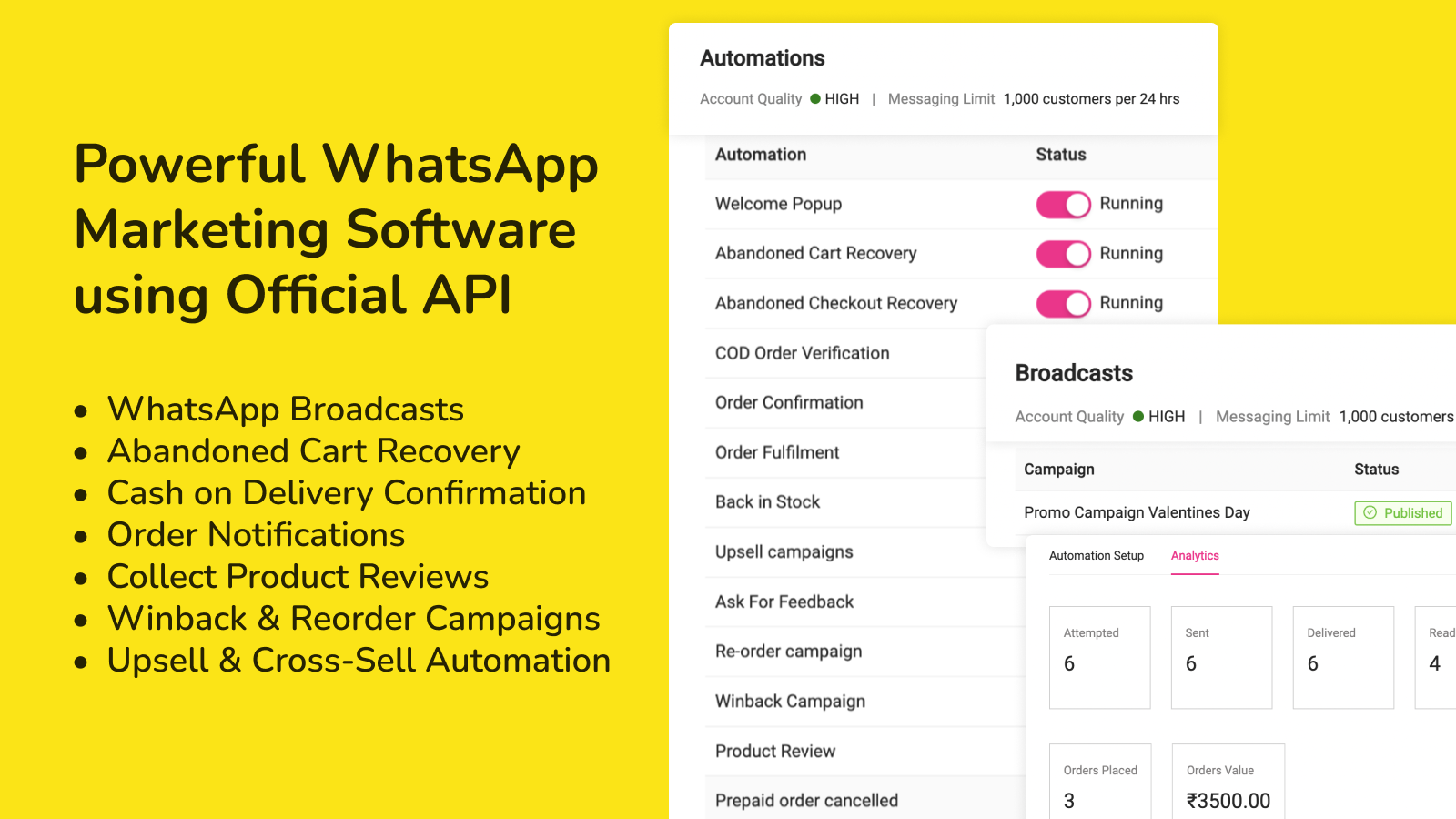
editorial synthesis of category relevance · Review requiredDC: WhatsApp Marketing + API is developed by DelightChat and listed for abandoned cart, helpdesk. Its structured listing identifies functions such as exit pop-ups, personalized campaigns, opt-in pop-ups, discount offers. For comparison, consider the relevant plans, integrations and merchant feedback recorded here. The fit depends on your store's requirements; features may vary by plan. This profile summarizes public listing information and has not been validated through an installation or hands-on test.
editorial synthesis of listing facts; review before publicationFrom $29/month. Free trial available.
$29 / month
$99 / month
$299 / month
Recorded listing information; confirm current pricing and usage charges before installing.
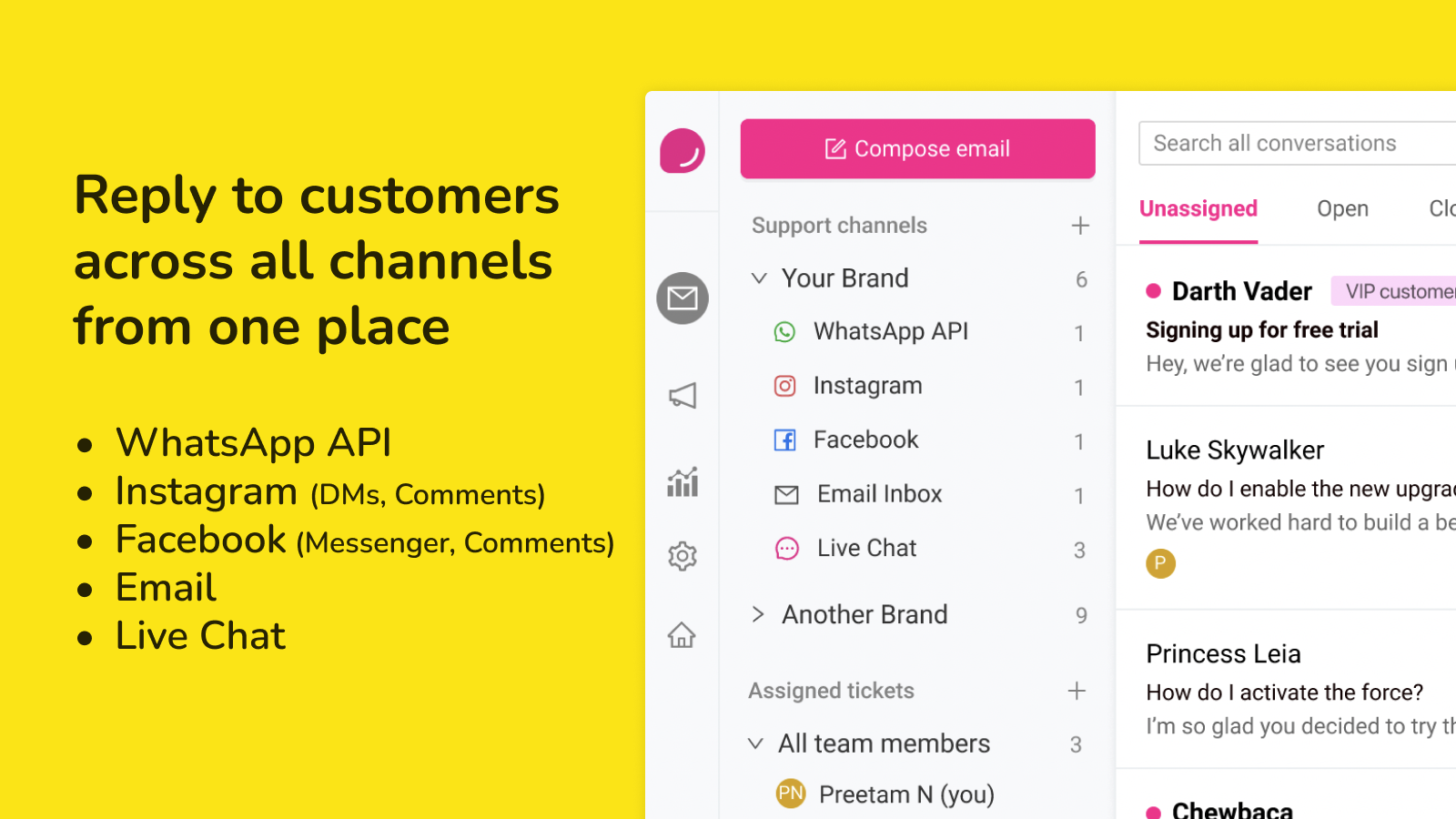
Check app plans ↗Shopify Flow, Email, Facebook Messenger & Comments, Fastrr, FlexyPe, Cashfree, Instagram DM & Comments, Razorpay, Gokwik, Shopflo, OCC, WhatsApp Business API
Editorial draft — general outline, not verified app-specific developer instructions. Confirm these steps against the developer documentation.
The pricing label retrieved from the listing is: From $29/month. Free trial available.. Check the plan details and any usage or external charges before installing.
editorial answer based on listing pricingEnglish
listing facts reformattedShopify Flow, Email, Facebook Messenger & Comments, Fastrr, FlexyPe, Cashfree, Instagram DM & Comments, Razorpay, Gokwik, Shopflo, OCC, WhatsApp Business API
listing facts reformattedUse the developer resource links attached to this profile. The steps below are a general setup outline, not a verified app-specific tutorial.
editorial guidance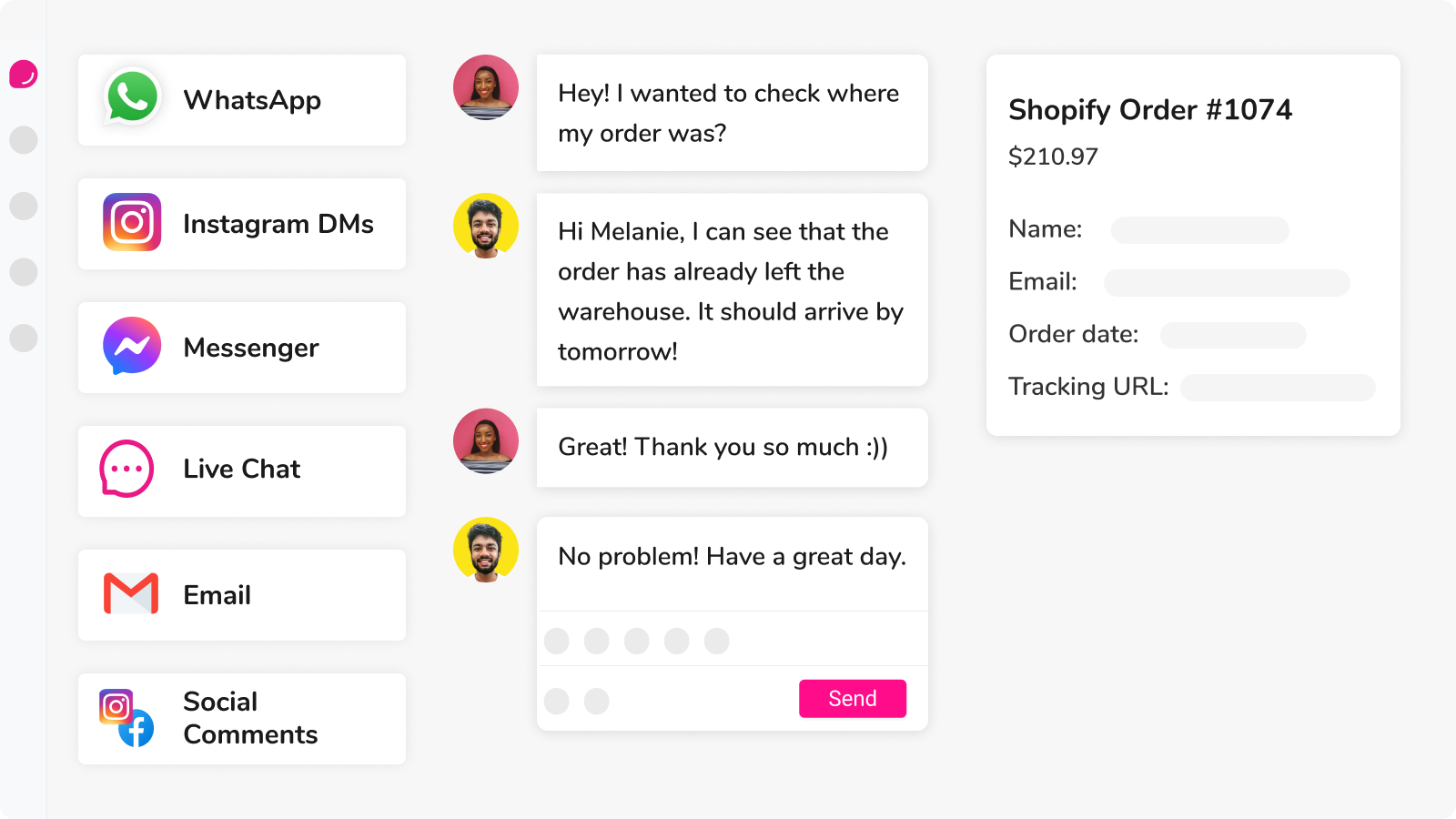


KEEP EXPLORING
Other apps listed in the same category; shown alphabetically.
SHOPIFY APPA Shopify app for event tickets. Listed functions include cancellations, splitting.
 SHOPIFY APP
A Shopify app for live chat. Listed functions include ai chatbots, live chat.
 SHOPIFY APP
A Shopify app for order editing. Listed functions include self-service, help center.
 SHOPIFY APP
A Shopify app for ai customer support chatbots. Listed functions include ai chatbots, live chat.
 SHOPIFY APP
A Shopify app for whatsapp marketing. Listed functions include personalized campaigns, multi-channel messaging.
 SHOPIFY APP
A Shopify app for ai customer support chatbots. Listed functions include ai chatbots, live chat.